ZENO Free
Everything you need to remap and tune your controller.
Free
A free account to download
Download
- Button mapping
- Game profiles
- Stick and trigger tuning
- Macros
- Live visualizer
- Diagnostics
Use on your PCs.
ZENO is a Windows app for DualSense, DualShock 4 and Xbox controllers. Remap every button, shape stick and trigger response, build macros, and switch profiles automatically when a game starts — with a live view of exactly what your controller sends.
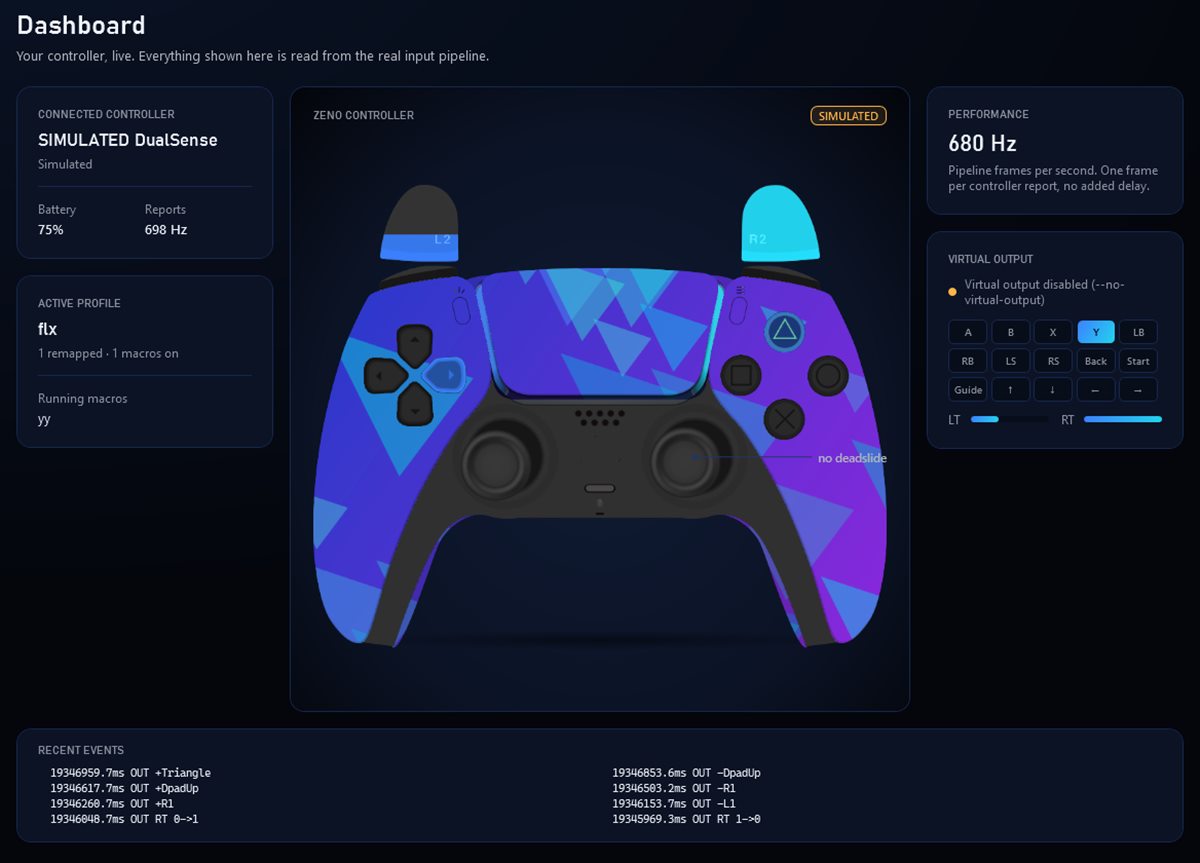
Captured from ZENO with a simulated controller.
ZENO sits between your controller and your games. It reads every report, applies your tuning, mappings and macros, and hands games a clean virtual controller.
Click a button on the on-screen controller, then press what it should send: another controller button, a key or a mouse button.
Shape each stick precisely: deadzones, anti-deadzone, sensitivity, per-axis scale, smoothing and acceleration, applied before mapping and macros.
Drag points to draw your own stick response, preview it live with your controller, and compare it with another curve before you apply it.
Set where each trigger starts and where it reaches full pull, and choose its response curve. The same threshold decides when a trigger counts as pressed for mappings and macros.
Build input sequences step by step or record them, then choose how each one runs: once, while held, or as a toggle.
Keep a profile per game and let ZENO switch automatically when the game starts. Try changes safely in the sandbox and roll back with restore points.
See exactly what your controller sends and what the game receives, live, with every press and stick movement drawn as it happens.
Check what ZENO sees from your controller, find common problems, and export a report when you need help.
Run a guided controller health test, and measure ZENO's own processing time stage by stage, with before-and-after comparisons.
Make ZENO yours: app themes, background images and GIFs, and ZENO edition controller skins with part colors, materials, lighting and your own artwork.
Everything is saved on your PC with automatic restore points. With an account, you can also sync profiles across PCs and share them with a code.
Every editor has a live preview, so you see what changes before a game does.
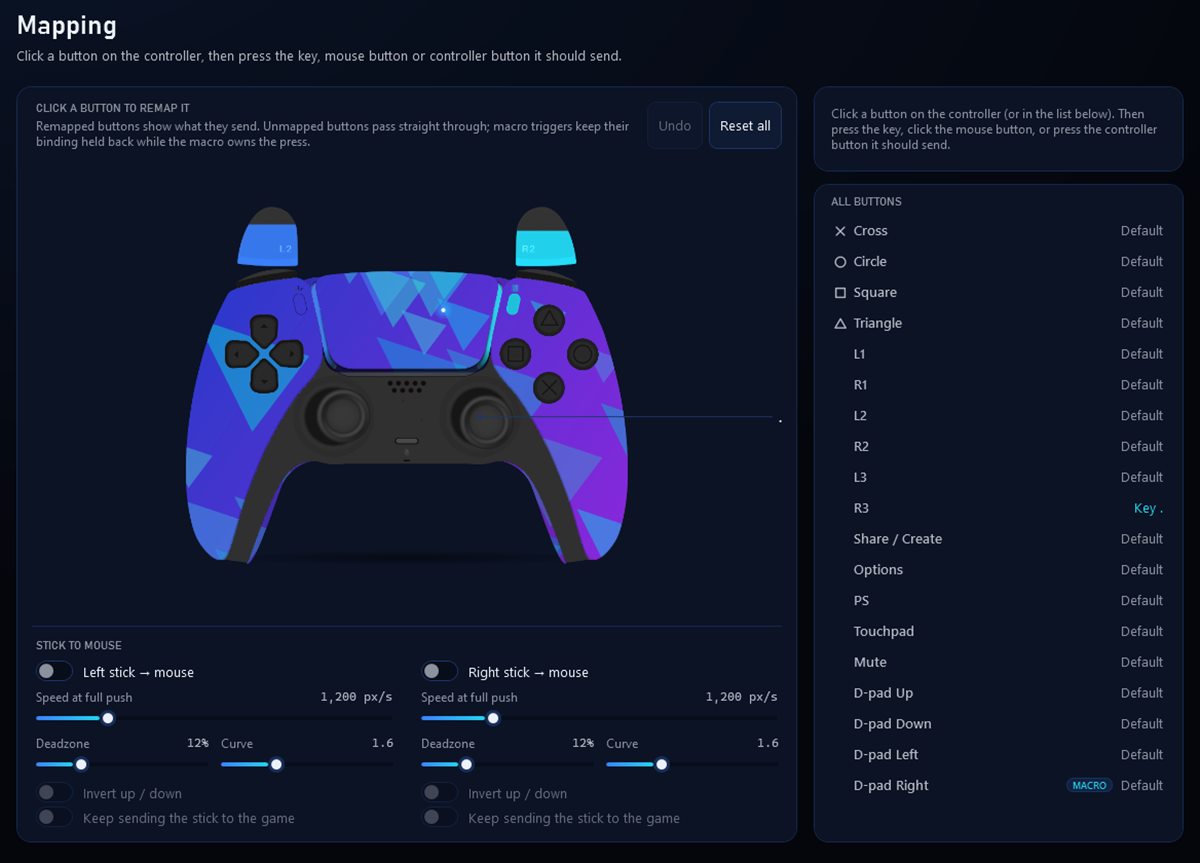
Click a button on the on-screen controller, then press what it should send: another controller button, a key or a mouse button.
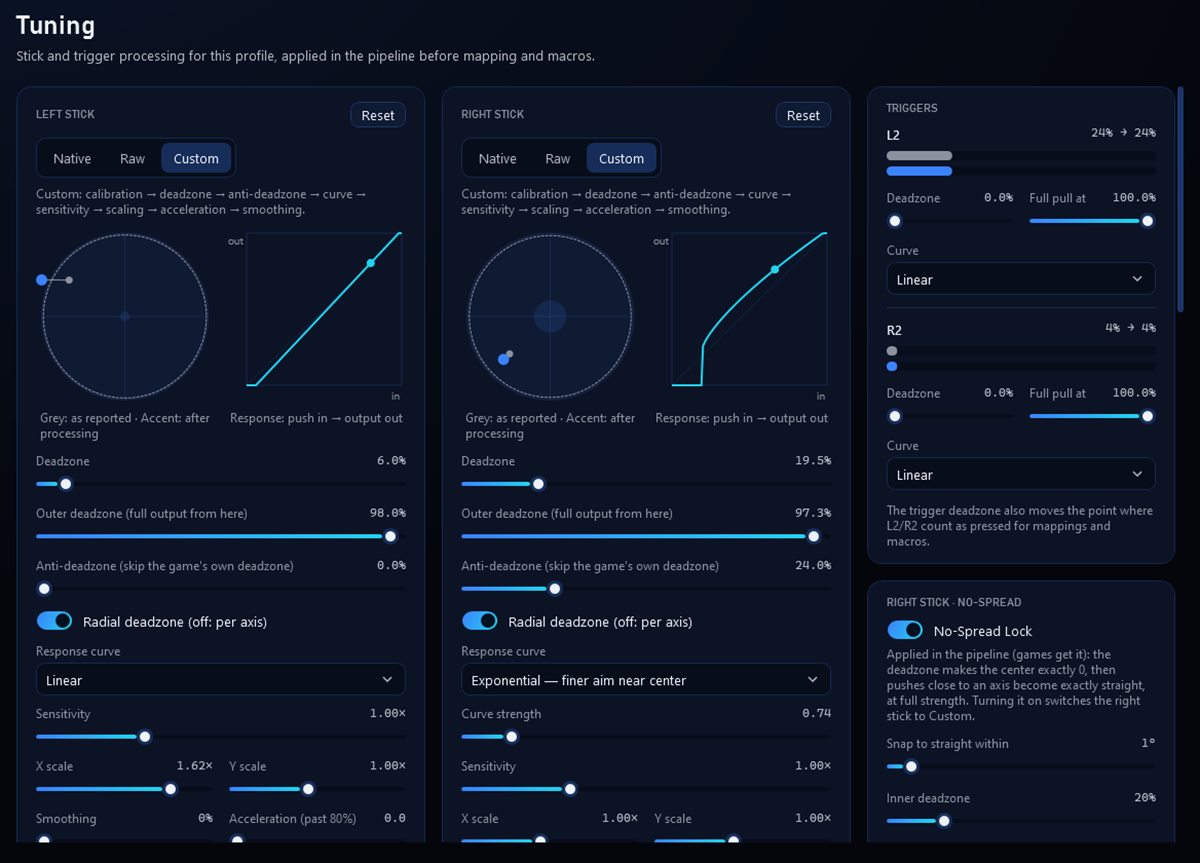
Shape each stick precisely: deadzones, anti-deadzone, sensitivity, per-axis scale, smoothing and acceleration, applied before mapping and macros.
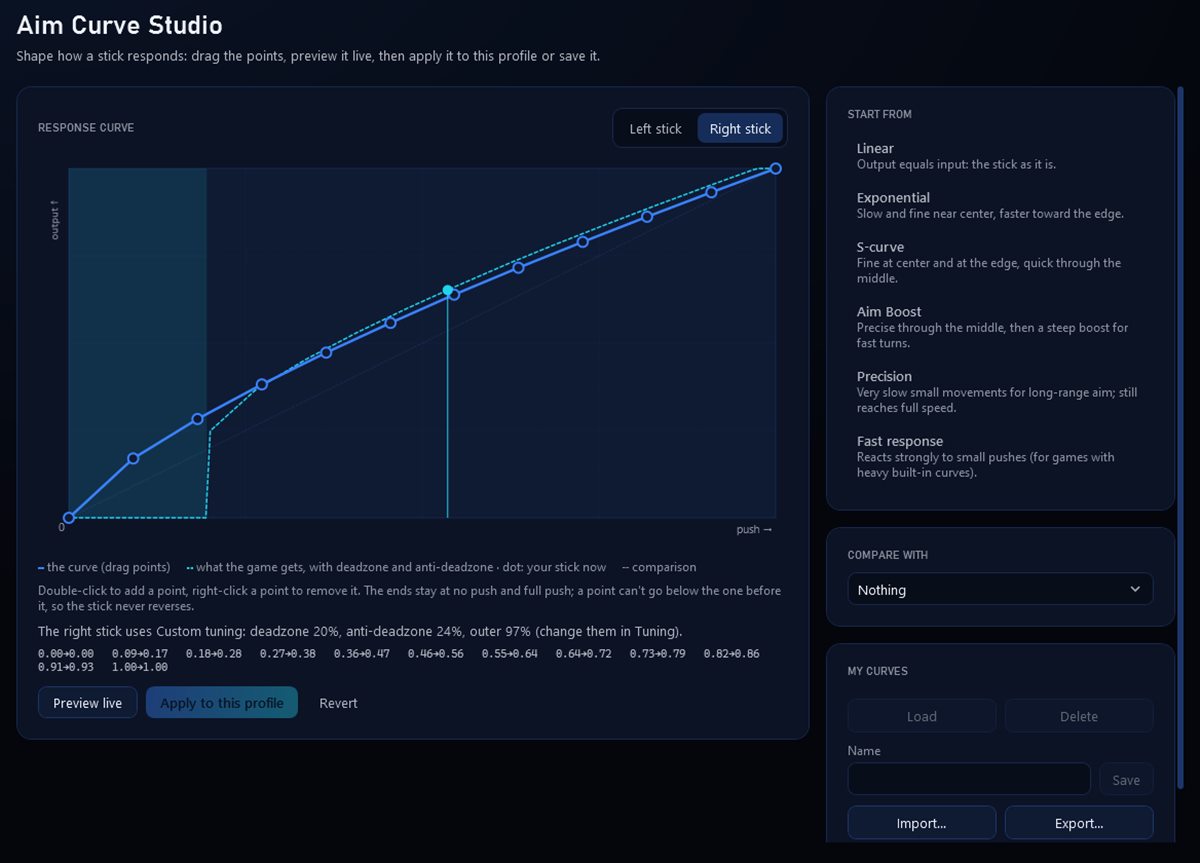
Drag points to draw your own stick response, preview it live with your controller, and compare it with another curve before you apply it.
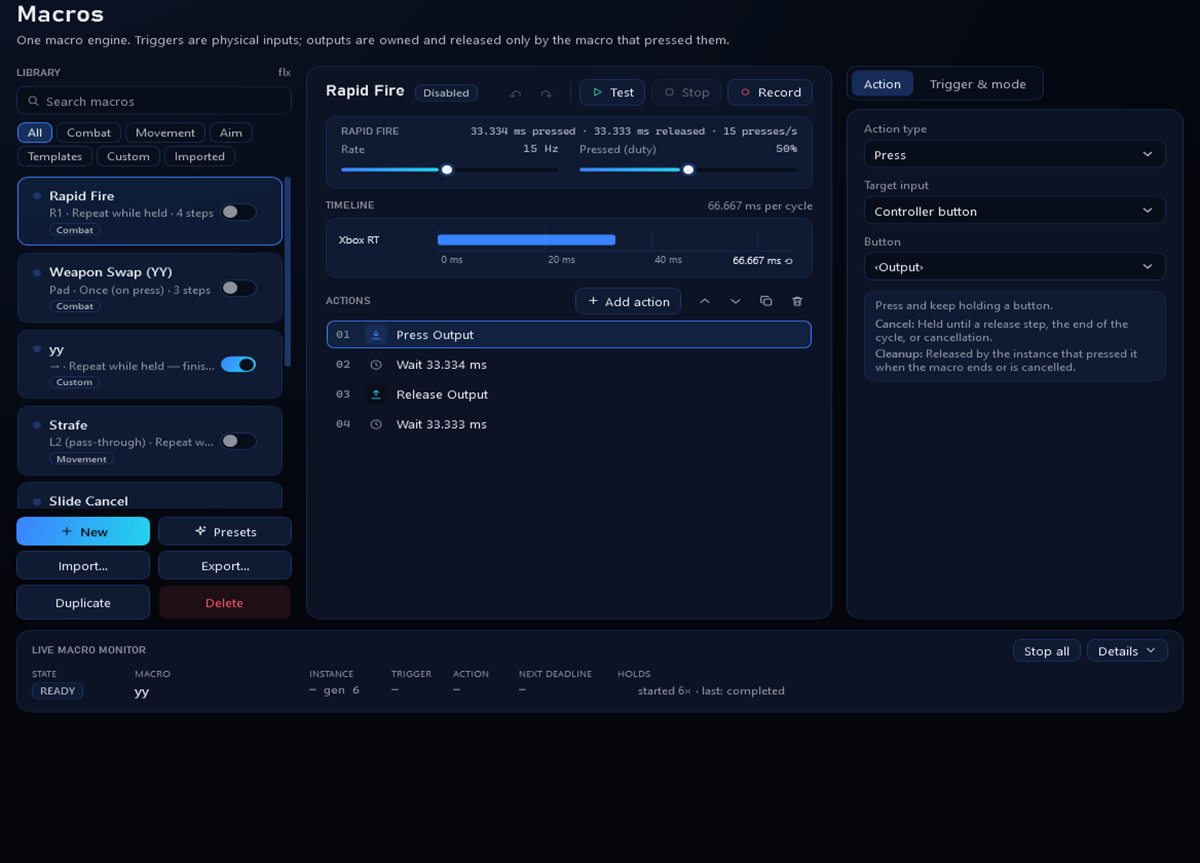
Build input sequences step by step or record them, then choose how each one runs: once, while held, or as a toggle.
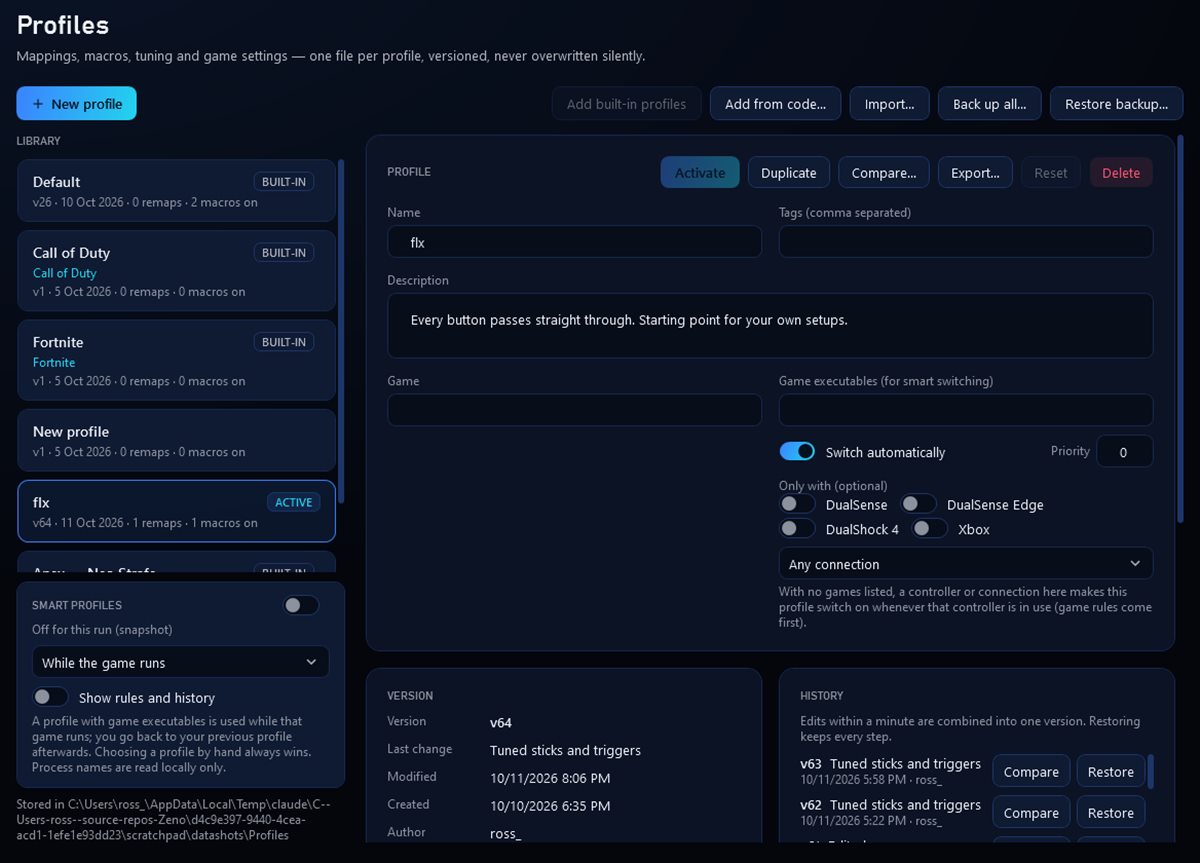
Keep a profile per game and let ZENO switch automatically when the game starts. Try changes safely in the sandbox and roll back with restore points.
See exactly what your controller sends and what the game receives, live, with every press and stick movement drawn as it happens.
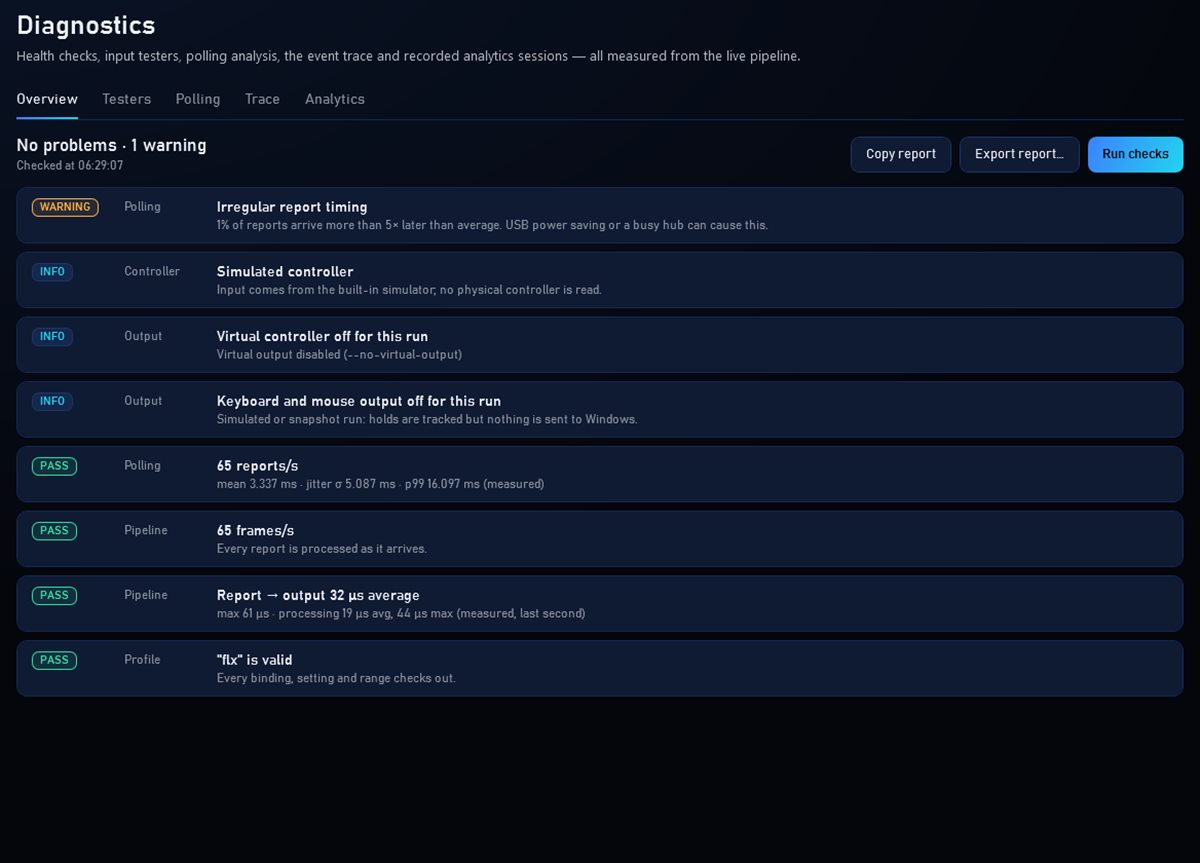
Check what ZENO sees from your controller, find common problems, and export a report when you need help.
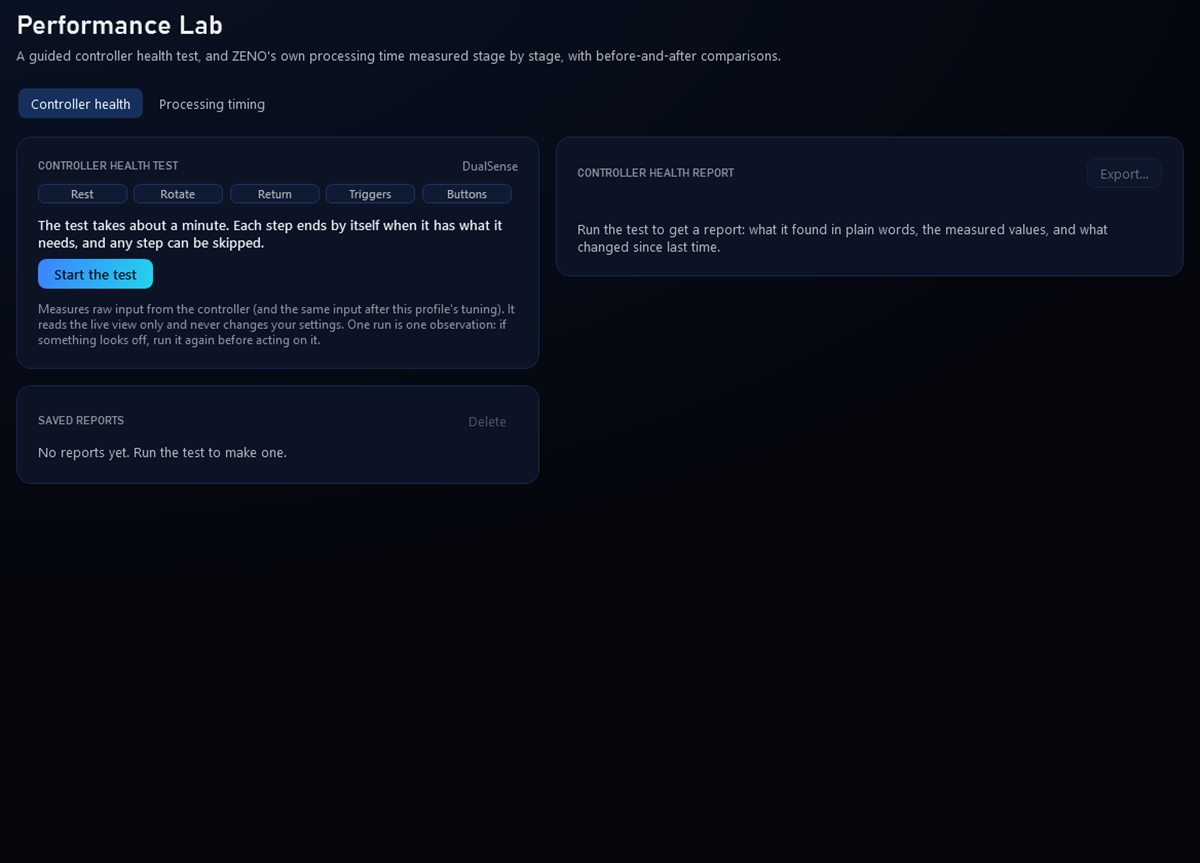
Run a guided controller health test, and measure ZENO's own processing time stage by stage, with before-and-after comparisons.
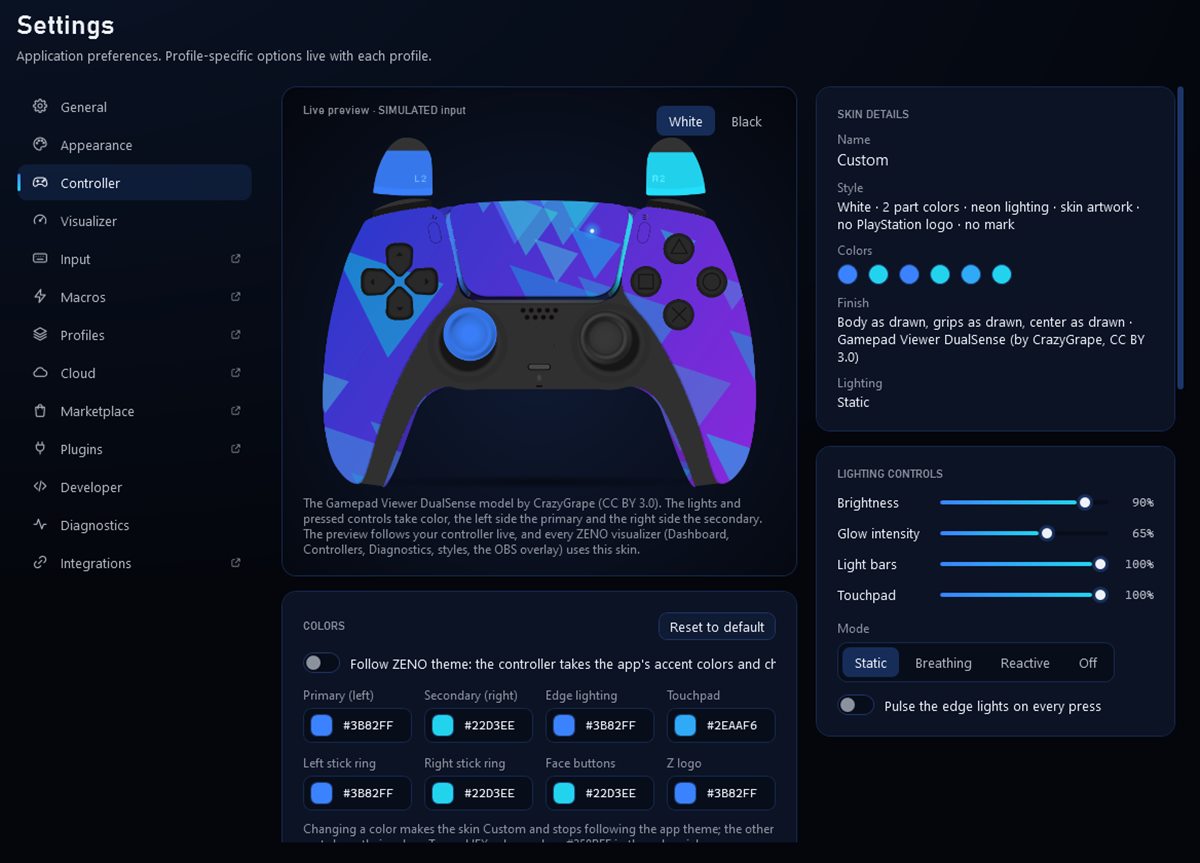
Make ZENO yours: app themes, background images and GIFs, and ZENO edition controller skins with part colors, materials, lighting and your own artwork.
Get the latest version and install the free ViGEmBus driver so games can see ZENO's controller.
Plug in by USB or pair over Bluetooth. ZENO finds it in a second or two.
Remap buttons, tune sticks and triggers, build macros, and create a profile per game.
Profiles switch when a game starts. Your settings are saved and kept in restore points.
Controller features run on your PC and keep working offline. An account is only needed for downloads, purchases, cloud sync and sharing.
Games see a virtual Xbox 360 or DualShock 4 controller, so ZENO works with games that support either.
Everything you need to remap and tune your controller.
Use on your PCs.
Sony DualSense, DualSense Edge and DualShock 4 over USB or Bluetooth, and Xbox-compatible (XInput) controllers. Games see a virtual Xbox 360 or DualShock 4 controller.
Windows 10 or 11 (64-bit). For games to see ZENO's virtual controller, install the free ViGEmBus driver. HidHide is optional; it hides the physical controller from games so they don't see two.
Yes. Mapping, tuning, macros and profiles run entirely on your PC. A paid license is re-checked occasionally when you're online; if you're offline for a long time, paid extras pause until ZENO can reach the server, and your controller keeps working.
ZENO changes how your controller's input is delivered to Windows. Some games and competitions don't allow input remapping or macros. Check the rules of each game you play; you're responsible for using ZENO in line with them.
Your profiles stay on your PC unless you turn on cloud sync. See the privacy policy.
Download ZENO and set up your first profile in minutes.